
Make Copilot, ChatGPT and Claude work with your Hospital’s denials data right away.
Most hospital revenue cycle teams already have AI tools. Almost none are using them for denial management.
If your health system runs Microsoft 365, your revenue cycle team almost certainly has Copilot. IT rolled it out as part of the enterprise agreement, probably with a short email and a link to a training video. Your revenue cycle team is also probably being asked by leadership to “show progress on AI.”
There’s a gap opening up in a lot of revenue cycle departments right now. AI tools are available, the mandate is real, and nobody’s been given a practical starting point. That gap is what got us thinking about how revenue cycle teams can start today, dig into their data and find places where organizing data or expanding AI tool sets makes sense. We built an AI prompt guide for Copilot to highlight places your revenue cycle team can actually start.
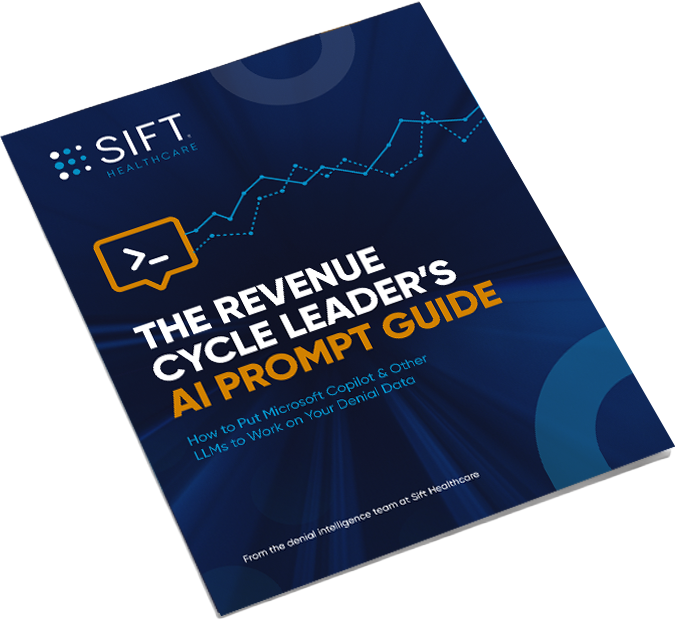
The Revenue Cycle Leader’s AI Prompt Guide For Copilot
The Insights Team at Sift put together twenty AI prompts you can run today, in Copilot (or ChatGPT or Claude, if you have access) against the denial reports and AR files your team already exports.
We organized it by where the work actually happens:
- Copilot in Excel — reading a denial export the way a data analyst would, but without the analyst. Denial concentration by payer, service-line exposure, aged AR, write-off patterns, duplicate denials.
- Copilot in Word — strengthening appeal letters, translating remittance language into plain English, drafting payer escalation summaries and CFO briefings.
- Copilot in PowerPoint — turning a denial trend into a board-ready or payer-ready slide without the copy-paste-from-Excel ritual.
- Copilot in Chat — thinking through a payer negotiation, prepping for a performance review, pressure-testing a vendor’s claims before the demo.
Some of the prompts are genuinely small, they just save an hour. Others surface a number that’s hard to raise in a leadership conversation until it’s sitting on the page in front of you.
The one we keep hearing about is the denial-concentration prompt. Teams know intuitively which payer is the problem, but seeing that a single payer accounts for +40% of denied volume changes the conversation.
Where The Prompt Guide Stops
Copilot reads the file you hand it, which is a limiting factor. It can tell you what your denial data says. What it can’t do is organize and augment your data, work inside your denial data at the claim level, score each account by how likely you are to actually recover it, tell you which 50% of your aged AR holds 98% of the recoverable value, or watch payer behavior shift across your entire book in something close to real time.
Those insights are next level, but quickly becoming a necessity for health systems as payers increasingly employ AI to deny claims and shift behavior to downgrades, underpayments, takebacks and delays. Real, longitudinal Payments Intelligence is the layer we build at Sift.
You don’t need us to start using LLM tools. That’s why our prompt guide gives away twenty prompts before it mentions what we do. If your team runs even a handful of them and hits a wall, if the answer to “which of these denied dollars will we actually get back?” turns out to be the question Copilot can’t touch, RevProtect Payments Intelligence can help.
The AI Prompt Guide for Copilot is free and takes about ten minutes to skim. If you lead a revenue cycle team, it’s the fastest way we know to turn a stack of idle Copilot licenses into something your team can act on today, and to get a clear read on where the easy AI wins stop and the hard, high-value ones begin.